
FBM shipping and logistics tracking

Keep every parcel
connected to its order.

After artwork confirmation, organize production materials, parcels, labels and tracking in shipping batches. Keep transport exceptions and after-sales records associated with the original parcel.

Prepare by batch. Inspect by parcel.

Use a batch for one or several orders. Assign production numbers, explicitly create production files and check the missing-item list. Confirm recipient details and logistics account before creating or splitting parcels.

Print labels in batches but inspect each result. The production ZIP is not a parcel label.
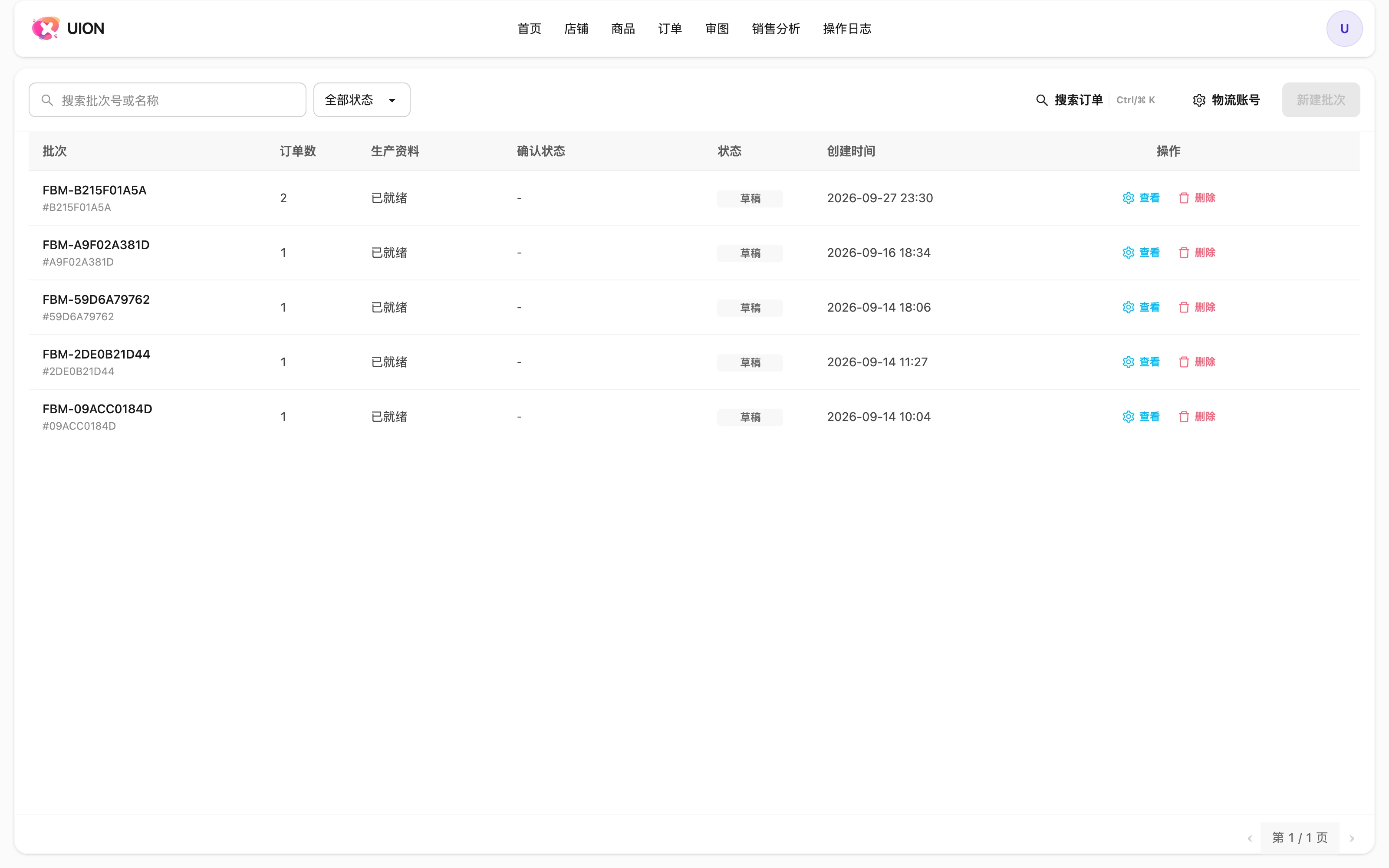
Shipping batches, production files and batch status
Interface shown in Chinese. The English explanation describes the same controls and workflow.

Follow the delivery after dispatch

Tracking

View parcel tracking and transport status associated with the order.

Exceptions

Cancellation and interception depend on parcel status and provider availability. Check the returned result.

Returns

Register returns and refused deliveries separately and retain their connection to the original parcel.

This is FBM shipping collaboration, not an overseas warehouse WMS. Amazon-synchronized and CSV-imported orders can use the same subsequent workflow.

Read the shipping guide →