Artwork review and production confirmation

Check the order.
Then hand off production.

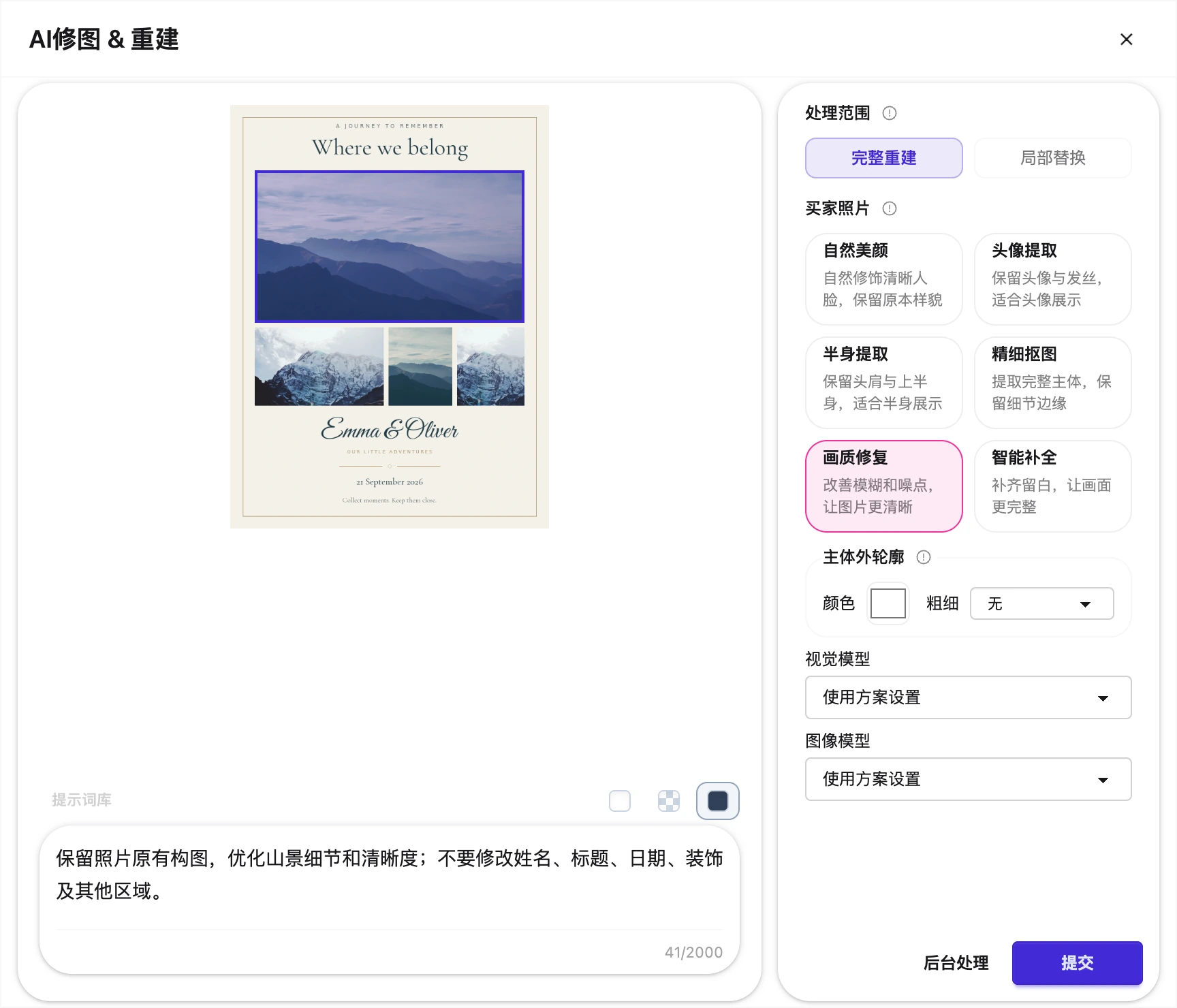
Use the order snapshot to understand the buyer’s request and the generated artwork to inspect details. Check photos, names, messages and styles before production.

Photos, text and style

Check the photo source, subject completeness, crop and position. Read names, dates and messages against the original order; inspect fonts, wrapping and alignment. Confirm the base artwork, decorations and layout match the selected style. AI-treated images need the same checks.

The workbench shows previews. Production uses files generated at the product dimensions, not a browser screenshot.
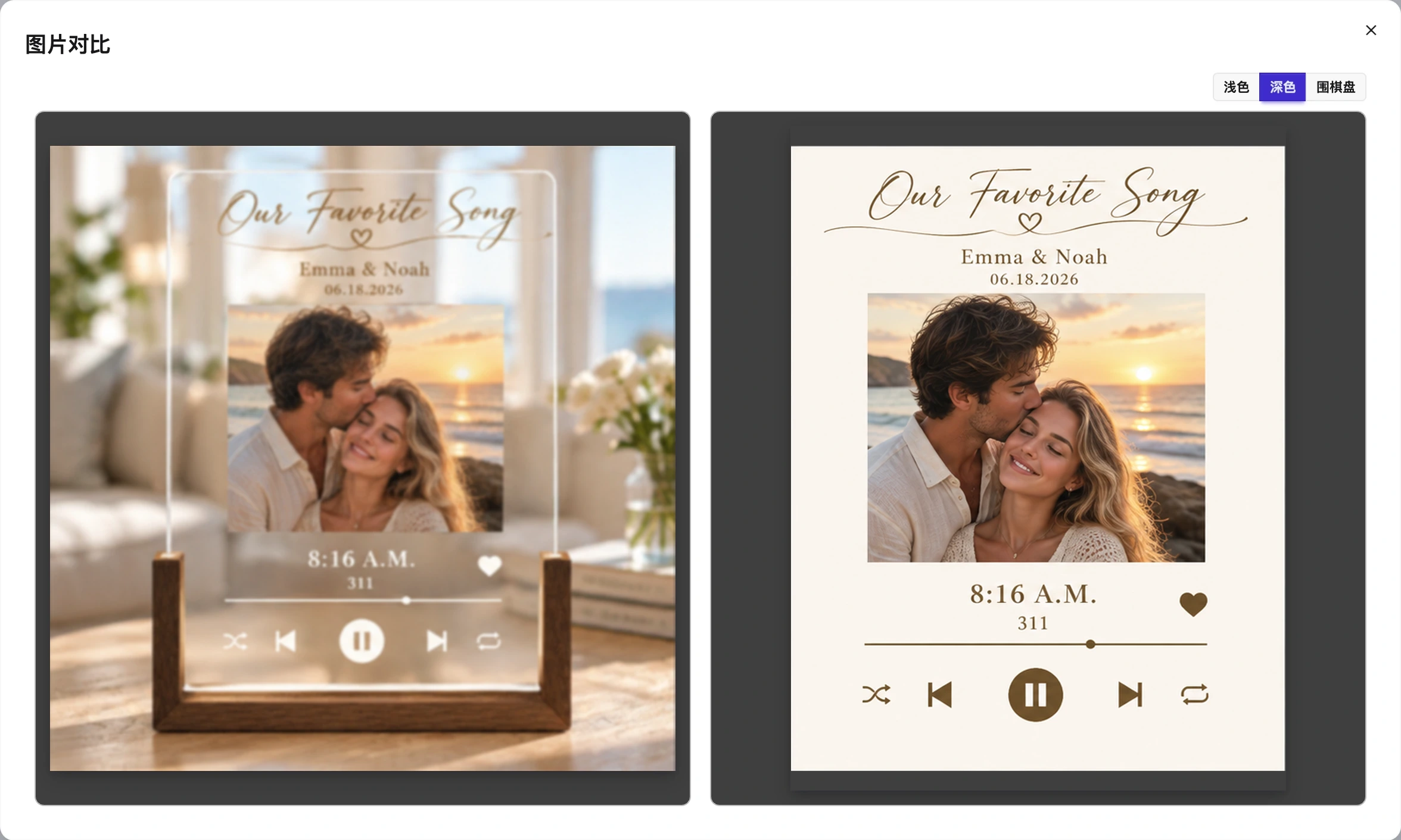
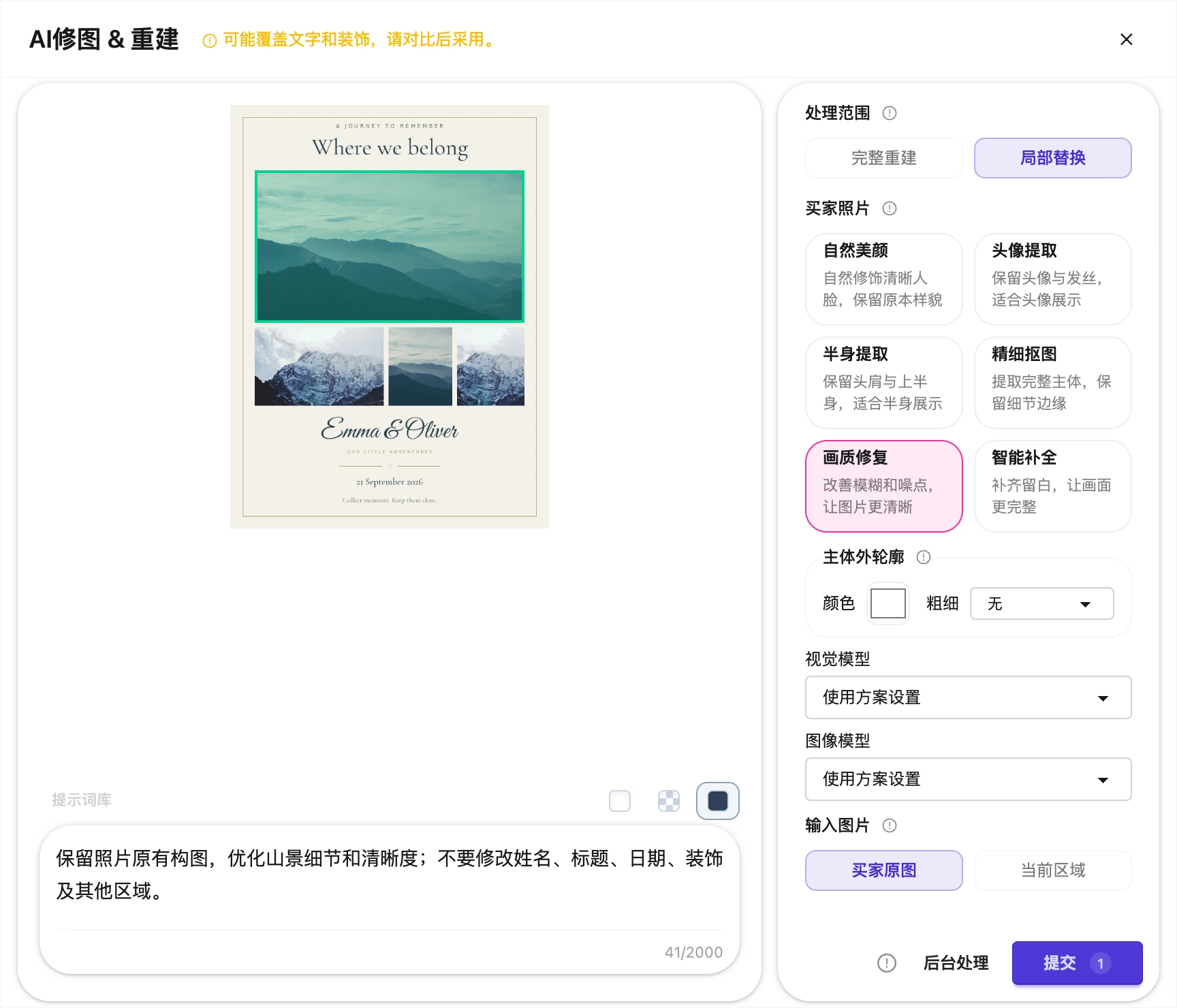
Order preview and generated artwork side by side
Interface shown in Chinese. The English explanation describes the same controls and workflow.

Make the outcome explicit.

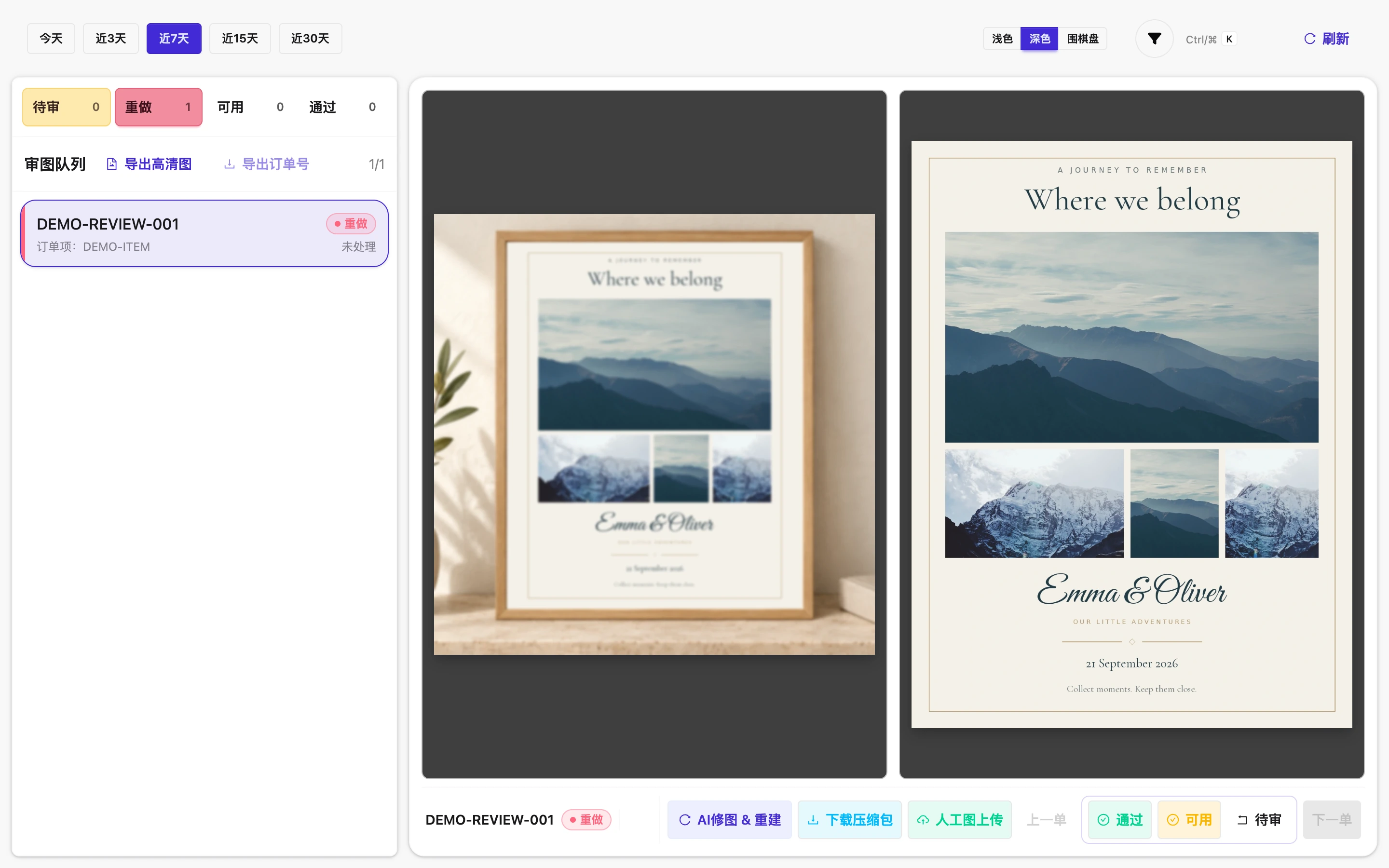
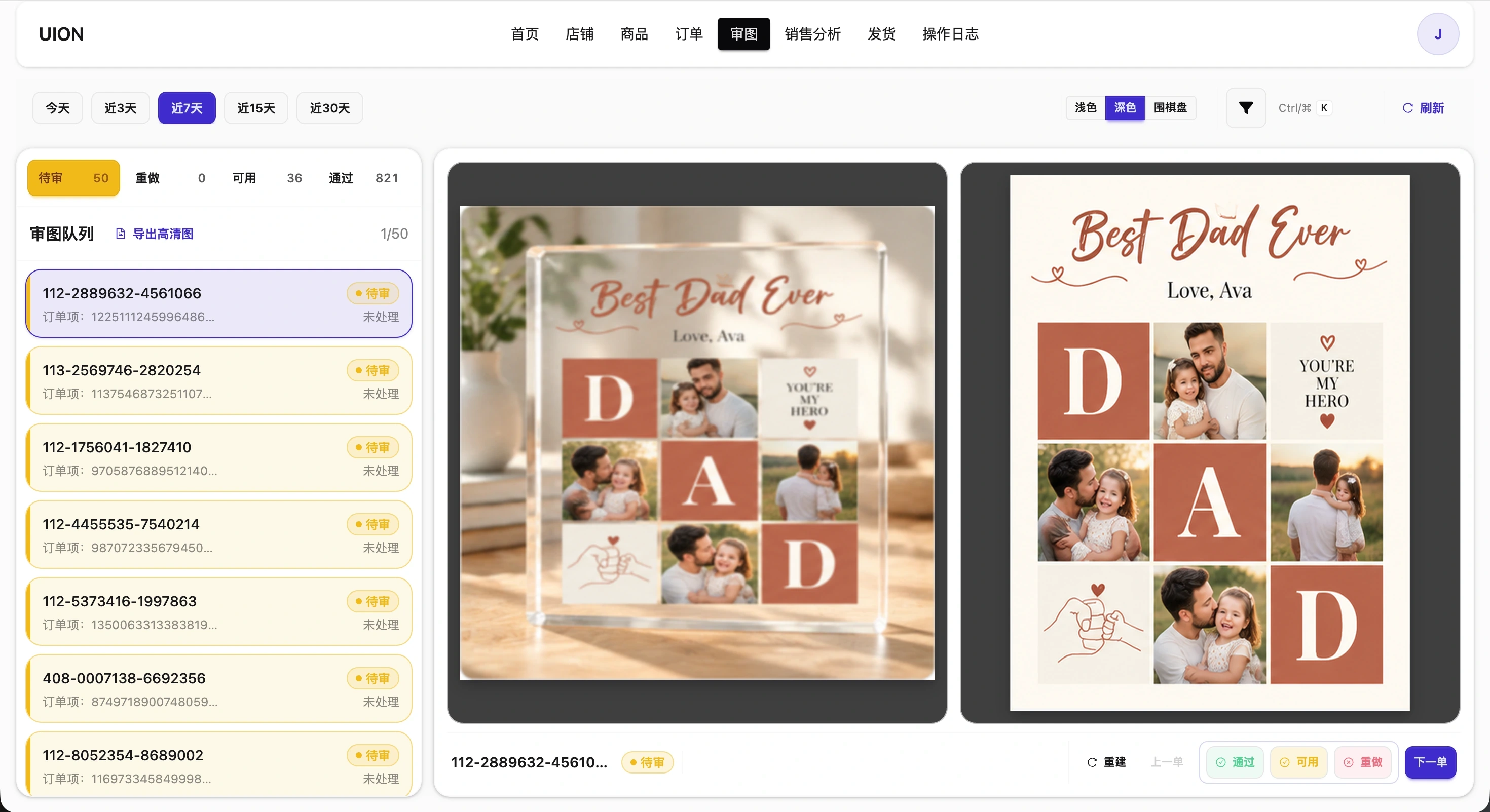
Generated artwork is not automatically approved. Keep problem orders separate, fix them and check again.

  • ApprovedChecked and ready for production preparation.
  • UsableLeave specific production adjustment instructions.
  • ReworkRegenerate or replace unsuitable artwork, then review again.

Prepare the correct production files

Generate production materials after confirmation and download them from My Files. First delivery of high-resolution artwork follows tiered pricing; settled orders can be downloaded again without another artwork delivery charge.

Review delivery pricing →
Artwork review queue and approval actions
Interface shown in Chinese. The English explanation describes the same controls and workflow.