
01 / Guide
Start with a shipping batch
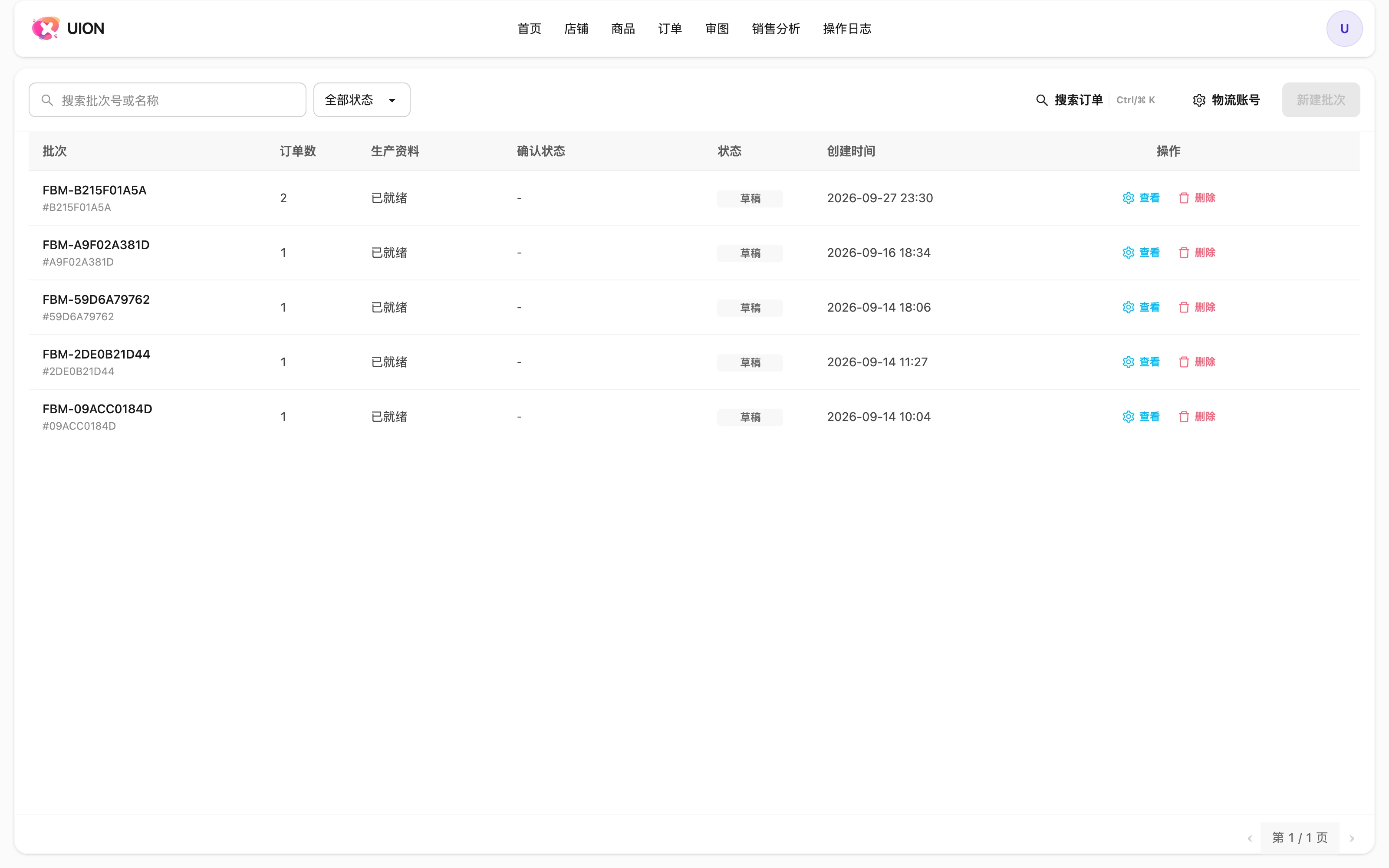
A batch is the working unit for production and shipping, even for a single order. Add the intended orders and check their production readiness.
Documentation / Shipping batches and production files
Use a shipping batch to organize orders, production numbers, artwork, parcels and labels. A batch can contain a single order or multiple orders.
01 / Guide
A batch is the working unit for production and shipping, even for a single order. Add the intended orders and check their production readiness.
02 / Guide
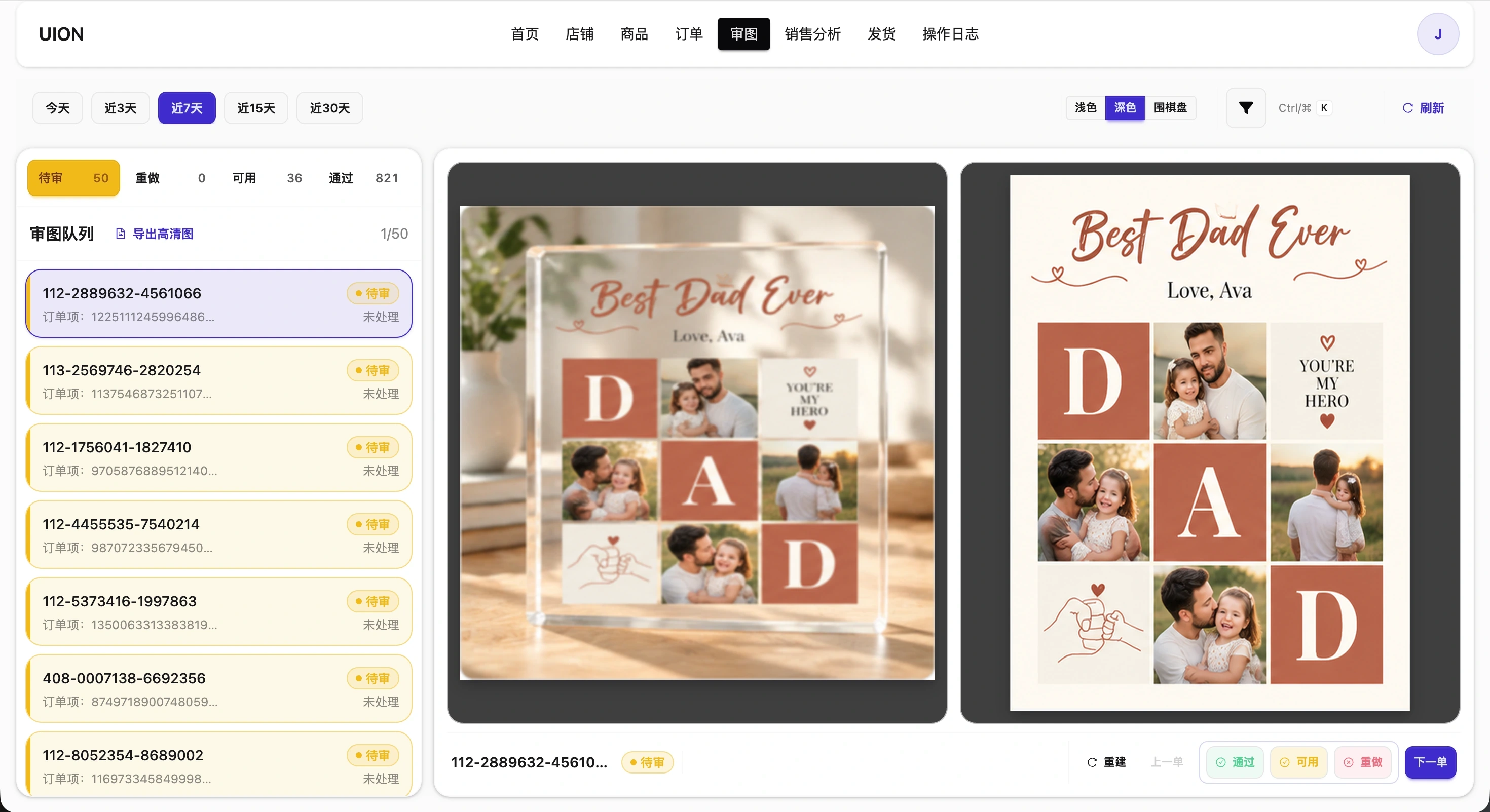
Assign production numbers and create a ZIP containing approved or usable artwork. Review adjustment instructions and missing-item lists. Download completed files from My Files; an unsettled order’s first high-resolution delivery is charged once.
03 / Guide
Check actual recipient details and select the logistics account. Create or split parcels, print labels and inspect each parcel result rather than assuming every operation in a batch succeeded.
04 / Guide
Edit item production numbers in batch details and save them. Nonempty numbers must be unique within a batch. Changed numbers invalidate old production materials; explicitly rebuild and check the completed ZIP, adjustment notes and omitted items before handoff.
05 / Guide
Exporting dispatched parcel information and creating an Amazon confirmation task are separate actions. Clicking Push creates tasks; it does not prove Amazon confirmation. Execution depends on configuration and authorization. Inspect returned task status before treating channel confirmation as complete.
06 / Guide
Read tracking and available cancellation/interception actions by parcel status. Record returns and refused deliveries separately against the original parcel. Production files and parcel labels serve different purposes.