
AMAZON CUSTOM ORDER WORKFLOW
From Amazon Custom orders to production-ready artwork.
See how XERP connects buyer photos, personalized text and product choices with a published design scheme, artwork generation, optional AI repair, human review and FBM production and shipping.
01 / WORKFLOW
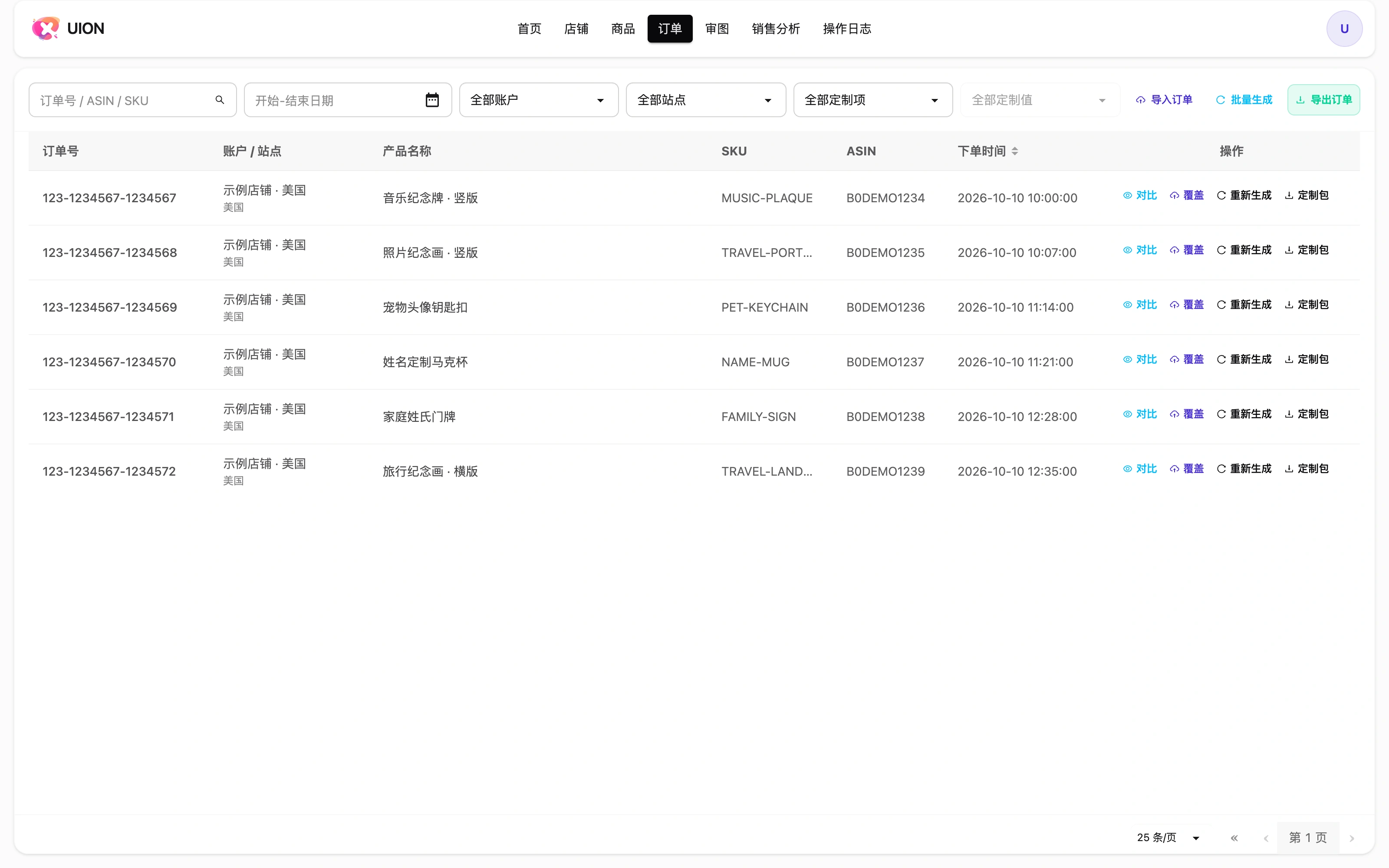
Start with the buyer’s original order
Amazon Custom orders carry more than a quantity and an address: they include photos, personalized text and choices such as size or style. XERP brings authorized seller-account orders into one workspace; imported orders enter the same subsequent production workflow. Keep the original order and item identifiers, then resolve missing photos or customization material before making artwork.
02 / WORKFLOW
Prepare the product before processing repeat orders
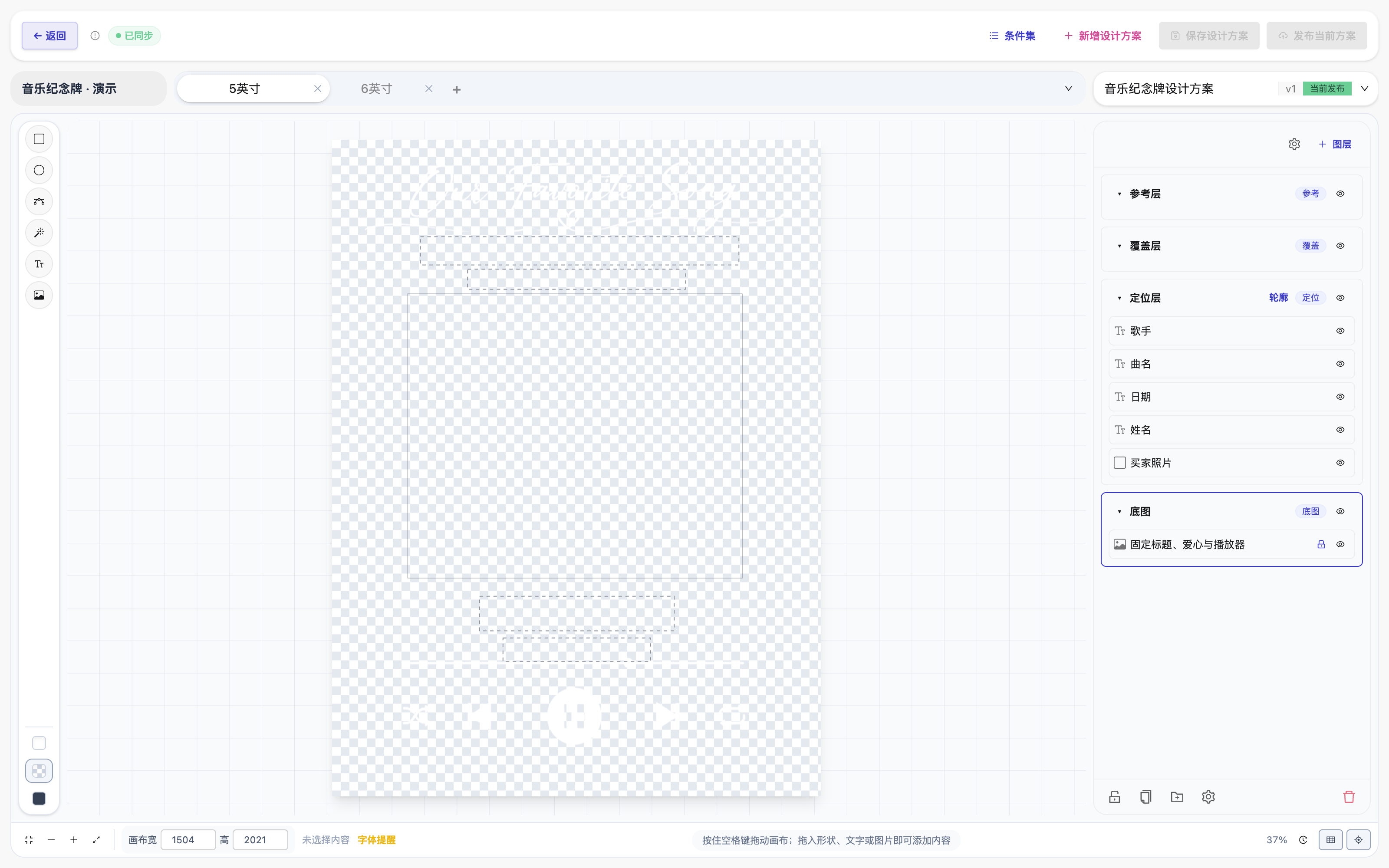
Associate the order item with the correct product and ASIN. The product’s published design scheme defines the production dimensions, fixed artwork, photo regions and text layout. Buyer photos and names vary per order; the checked layout is reused. Conditions recognize configured choices and select the relevant canvas or content—they do not translate names, convert units automatically or set the artwork dimensions. Saving a draft is not publishing it. Validate one complete order for each size or style before scaling up.
03 / WORKFLOW
Generate artwork, then compare it with the request
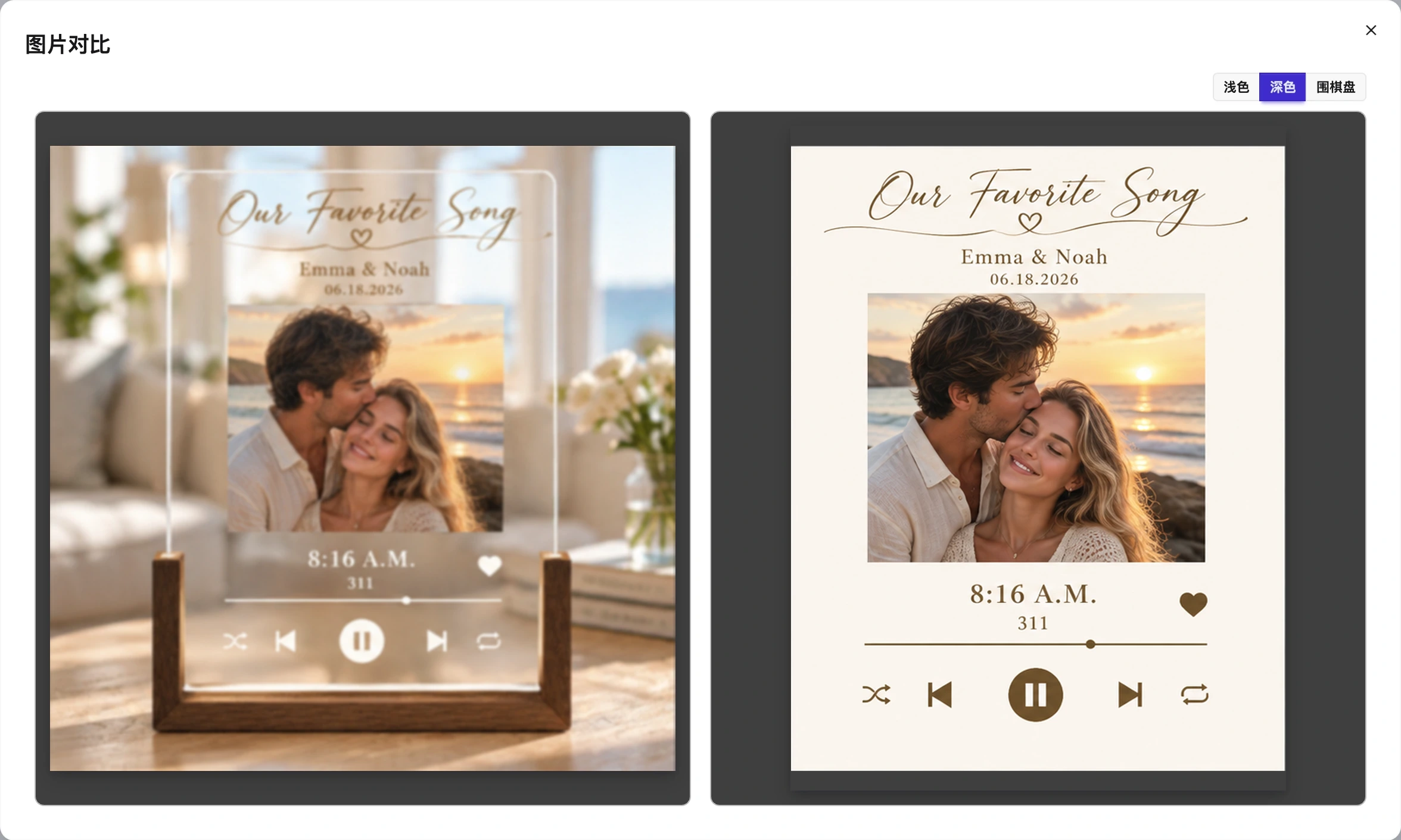
Artwork generation reads the buyer’s material through the published scheme. Compare the order preview with the flat artwork: the subject, crop, names, dates, typography and chosen style should agree. A product scene may contain a stand or background that does not belong in the production file. Use the generated artwork, not the browser screenshot, for production.
04 / WORKFLOW
Resolve artwork problems without losing the review step
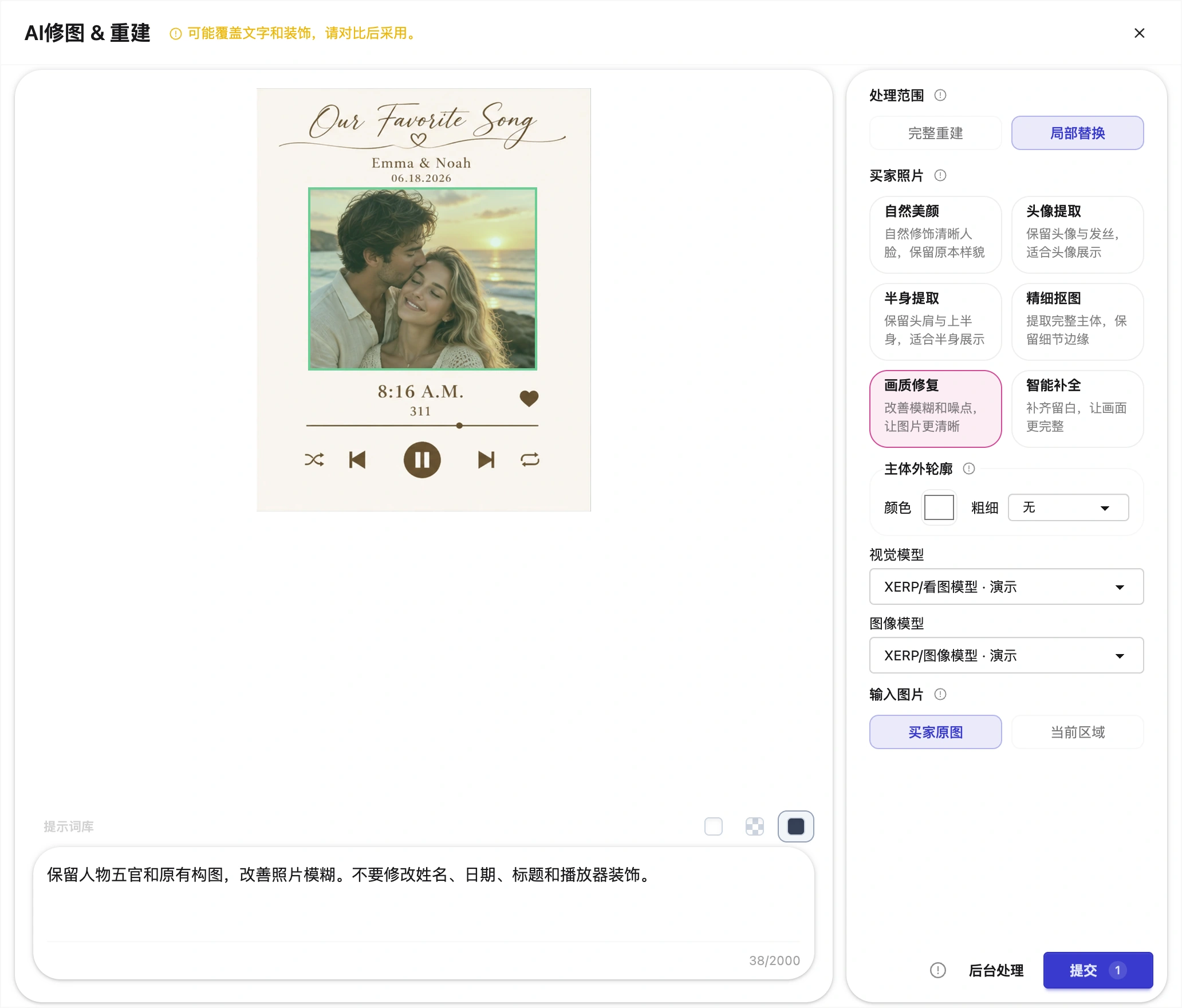
Choose the remedy according to the cause. Missing material belongs in the order; a repeated layout error belongs in the product scheme. Original rebuild uses the buyer’s source material without an AI call. For a photo-specific adjustment, Rebuild the whole design from its scheme, or replace selected photo positions locally. Local replacement preserves other regions, but can cover text or decoration within the selected area.
Photo treatments include natural retouching, head or half-body extraction, detailed background removal, quality repair and outpainting. Select only what the photo needs. Keep instructions specific, choose a vision model and an image model, and check whether the input is the buyer’s original photo or the current artwork region. Built-in XERP models are available alongside configured tenant models. AI usage is charged separately according to the selected model and actual calls.
Submit keeps the workspace open while the task runs; background processing lets the operator return to other work. Neither is a review approval. Inspect the new photo and the full composition before recording the review result. These screenshots show demonstration settings; no paid AI task was submitted to create them.
05 / WORKFLOW
Turn reviewed artwork into production materials
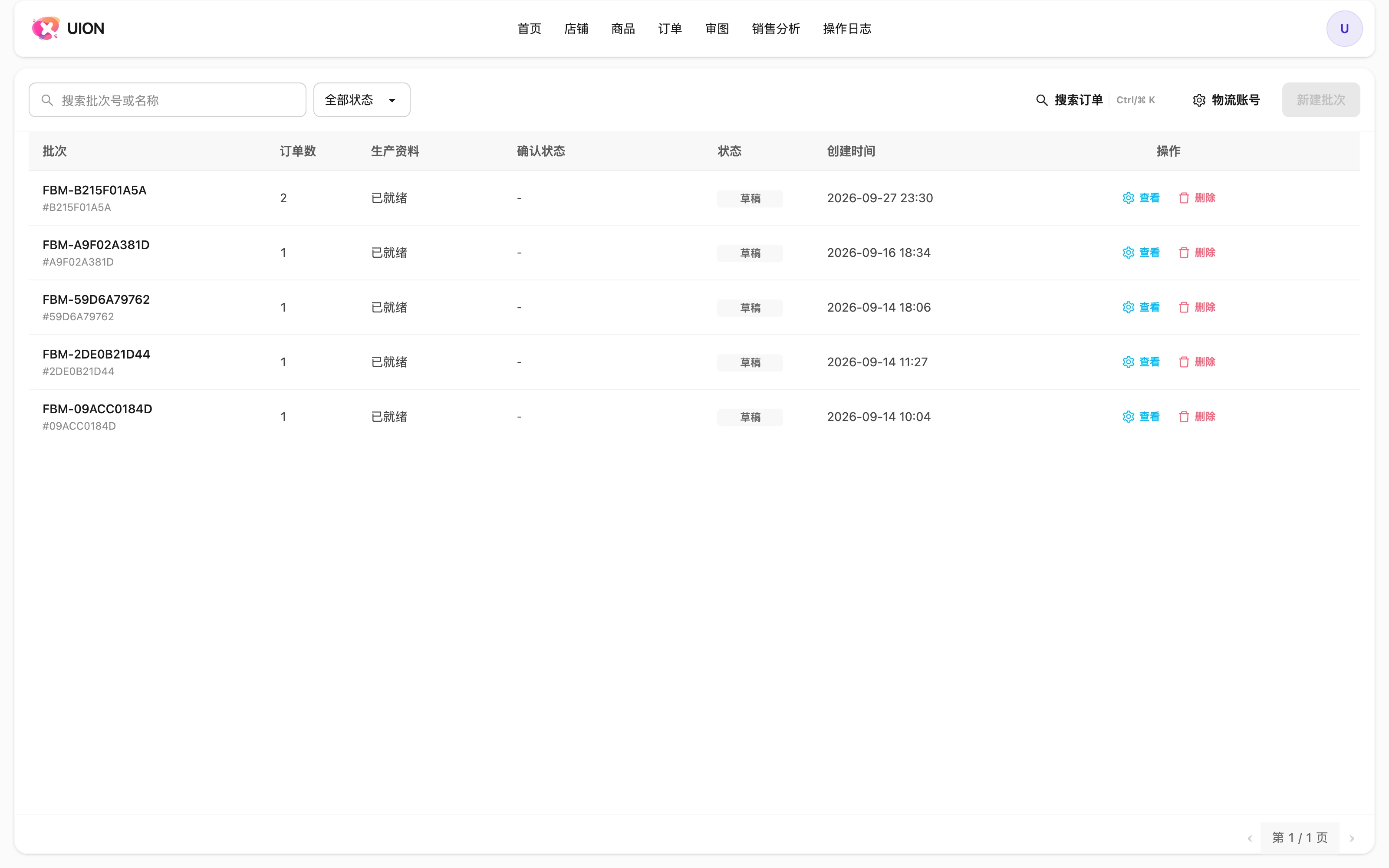
Record a clear review outcome: approved, usable with actionable production instructions, or rework. Organize eligible orders into a batch, assign and save production numbers, then explicitly build the production files. A batch is a work scope, not an automatically completed ZIP. Inspect the artwork, usable-item notes and omitted-order list before handing the files to production.
Download completed materials from My Files. The first high-resolution artwork download for an unsettled order is the settlement point; settled orders can be downloaded again without another artwork-delivery charge. AI calls are separate. If artwork, production numbers or batch scope changes, rebuild and recheck the files rather than handing over an earlier ZIP.

06 / WORKFLOW
Ship actual parcels and keep the order history
Production-file readiness, parcel creation, label readiness and physical dispatch are separate milestones. Check the recipient details and carrier service, create or split parcels for the real packing plan, then inspect each label and operation result. Amazon confirmation depends on configuration, authorization and the returned response; a queued task is not confirmation. Keep tracking, returns, refused delivery and any replacement work connected to the original order and parcel.
Test one product before expanding the workflow
Start with a representative product, complete order material and one checked scheme. Confirm the artwork and production handoff together before adding more sizes, seller accounts or optional AI treatment.
First-order checklist →