Documentation / AI connections and models

Choose compatible services and fallback models.

Configure the connection, complete endpoint and models used for vision and image editing. Enable treatments in the product’s image slots rather than applying them indiscriminately.

01 / Guide

Add a compatible connection

Choose the supported service adapter and complete API endpoint. The shown address is a demonstration, not a working service recommendation. Keep real credentials private; a website URL alone is not an API connection.
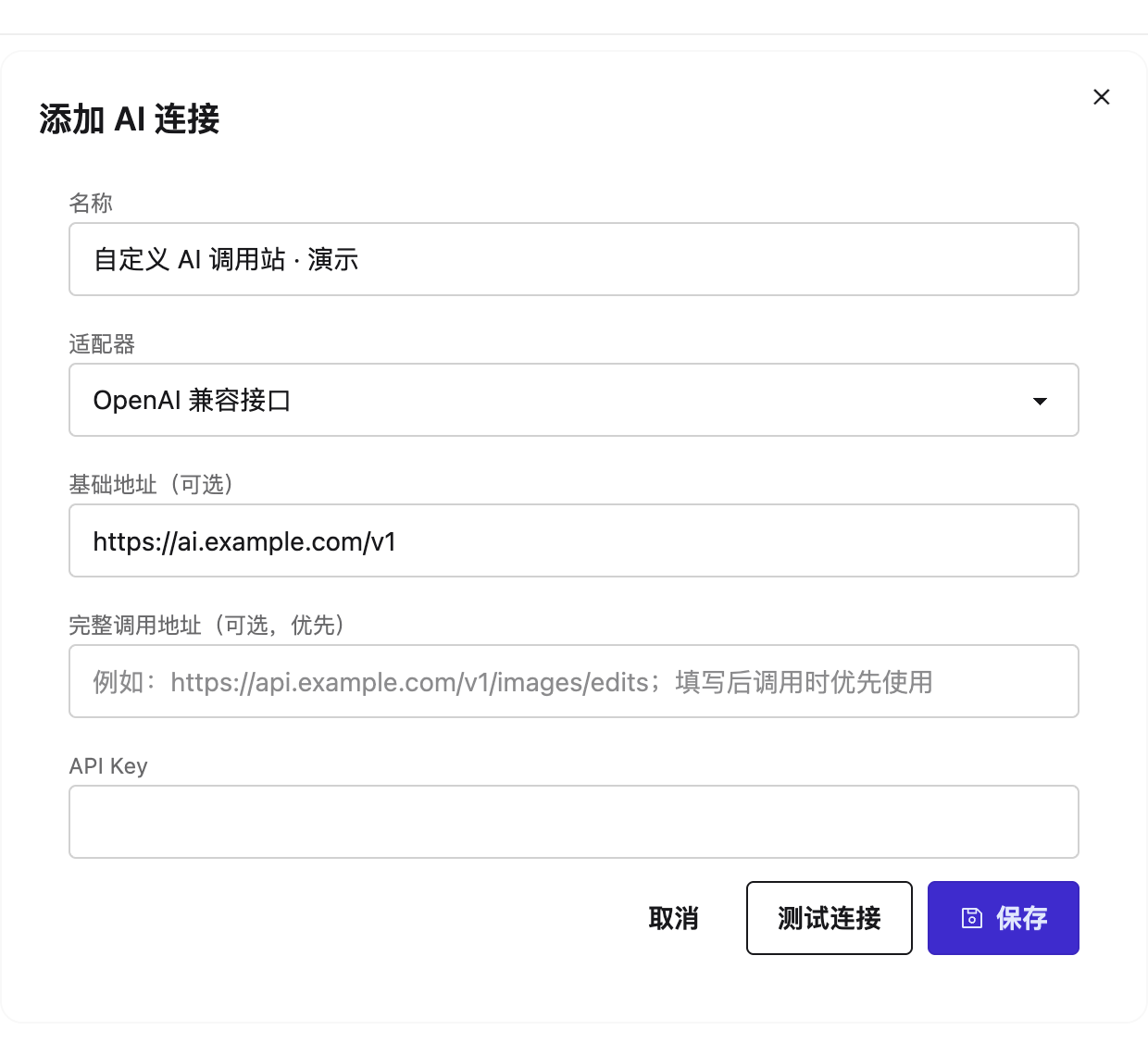
Demonstration AI connection with an example endpoint and no secret
Interface shown in Chinese. The English explanation describes the same controls and workflow.

02 / Guide

Choose vision and editing capabilities

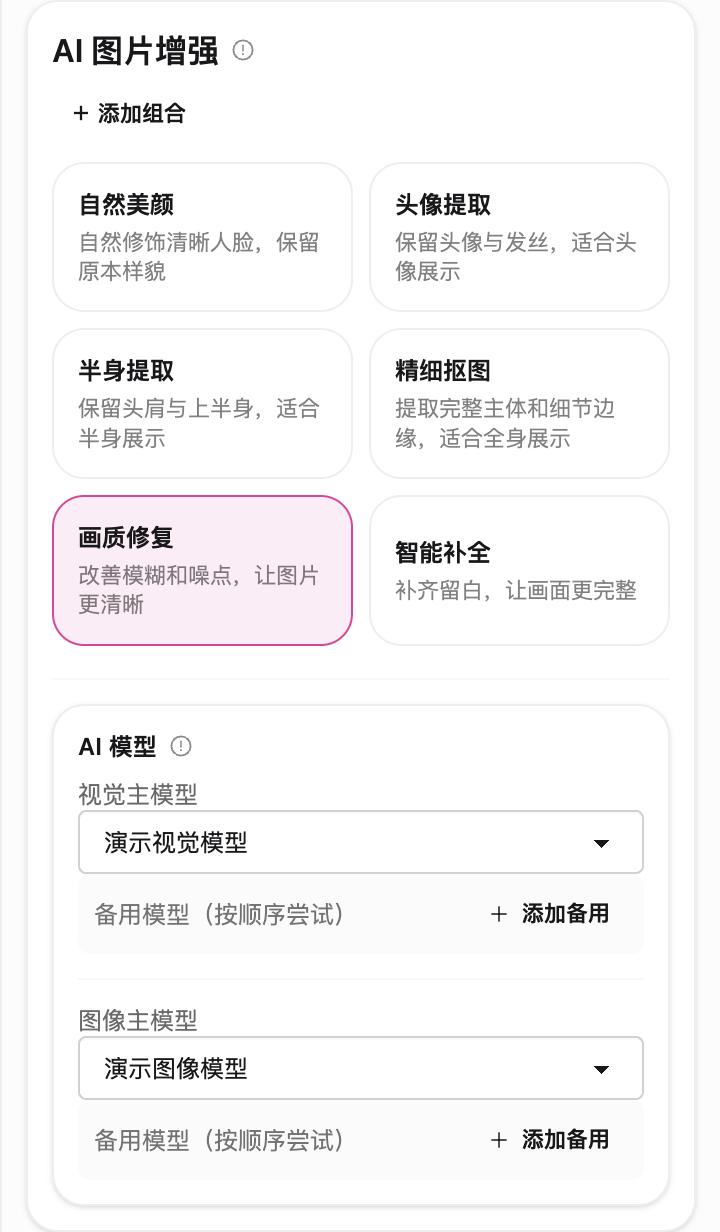
Configure vision analysis and image editing separately, with fallback order where supported. Confirm that the actual model and endpoint provide the capabilities required for the selected treatment.

Optional image treatments in a photo slot
Interface shown in Chinese. The English explanation describes the same controls and workflow.

03 / Guide

Test one image in its final slot

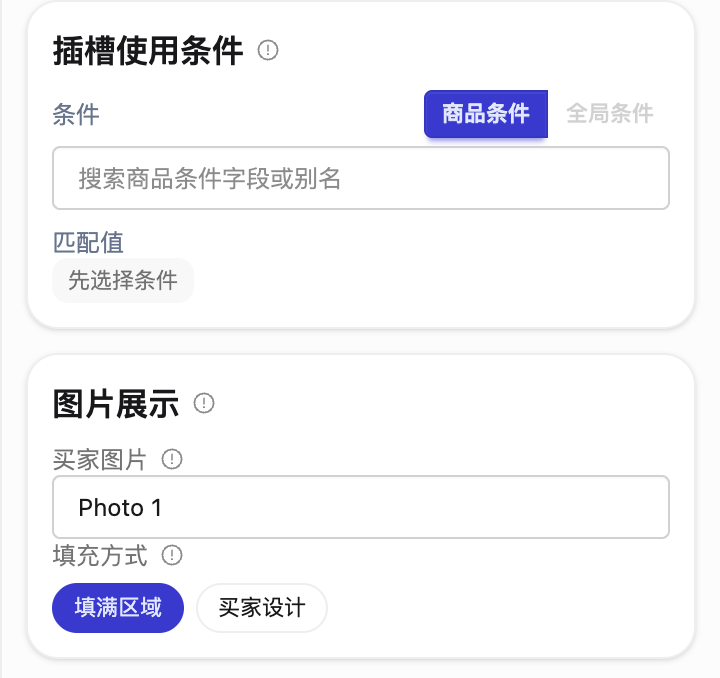
Select the photo source, effect and models in the product scheme. Inspect the final composite, not only the AI response. Check identity, edge quality and placement; retain or restore the original when results are unsuitable. Confirm AI costs before automatic use.

Photo source and image display properties
Interface shown in Chinese. The English explanation describes the same controls and workflow.